Fall Off A Building Controls
Every input that matters: ragdoll, camera, HUD buttons, and why jump is not the ragdoll key.
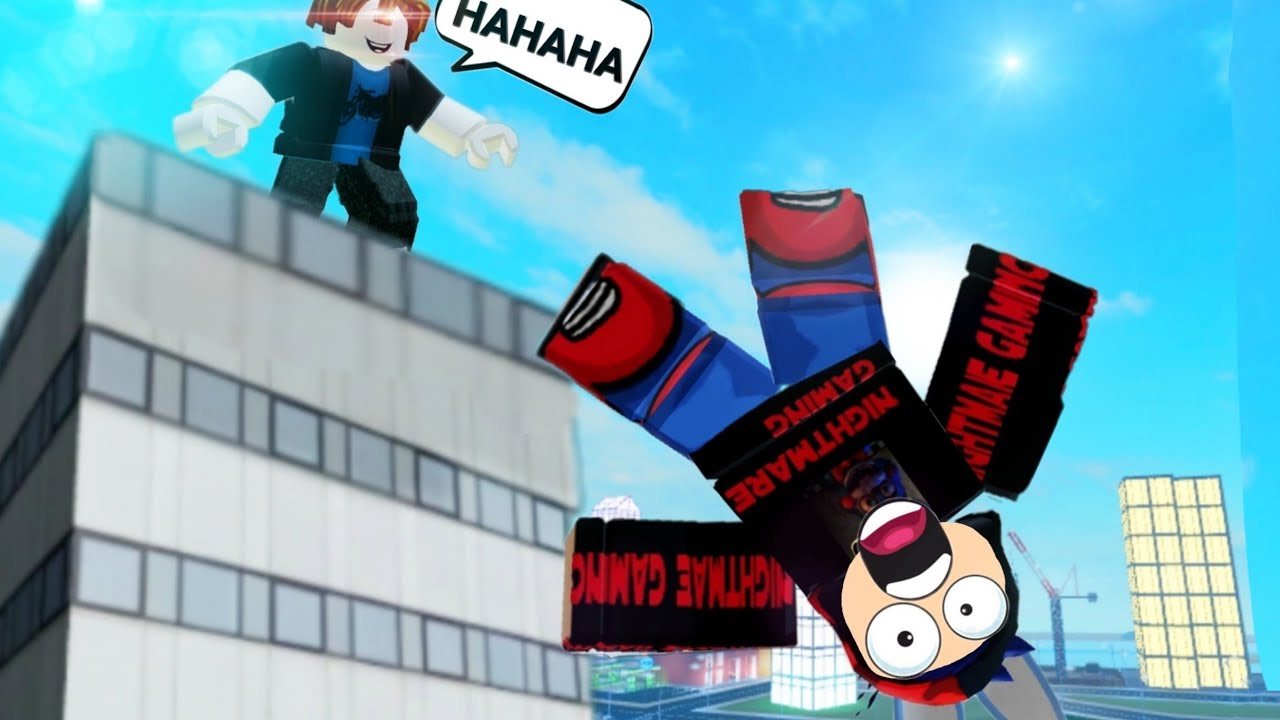
The official description is two lines long: PC: Press [R] to Ragdoll. Mobile: Use the on-screen toggle. This page exists because players still mash space, still look for a “fall” emote, and still think the jump button is the ragdoll button. It is not.
Fall Off A Building uses default Roblox movement plus one custom ragdoll state. If you can walk in any other experience, you can walk here. The skill is knowing when to go limp and when to stand up so a friend with the Push Tool does not send you into the river.
PC keyboard
| Action | Input |
|---|---|
| Move | WASD |
| Jump | Space |
| Ragdoll / un-ragdoll | R |
| Camera | Right mouse drag, scroll to zoom |
| Shift lock | Left Shift if enabled in Roblox settings |
| Reset character | Esc → Reset (use when you clip into geometry) |
| Chat | / |
R is a toggle. Press once to flop, again to recover. Do not hold it. If you press R on a narrow ledge you will slide off, which is the point of the game.
Space still jumps. Jumping off the roof without ragdolling looks stiff and awards the same Fell From Building badge either way, but clips look better limp. For the falling animations menu, ragdoll first so the chosen pose actually plays.
Mobile
| Action | Input |
|---|---|
| Move | Left thumbstick |
| Jump | Jump button |
| Ragdoll | On-screen ragdoll toggle |
| Camera | Drag on the right half of the screen |
The toggle is a dedicated HUD control, not a hidden gesture. If you cannot see it, the jump button or chat is covering it — rotate the phone, or reduce UI scale in Roblox settings. Do not spam jump hoping the character will go limp. Jumping and ragdolling are separate states.
Touch players should ragdoll before walking off the roof. Tapping ragdoll mid-air works, but the first frames of the fall look like a standing jump.
Console
Movement and jump follow your platform’s Roblox defaults. Highlight the ragdoll toggle on the HUD with the stick if there is no bound face button in your control scheme. Camera is the right stick. Reset lives in the Roblox menu, not in this experience’s shop.
HUD buttons that are not “controls” but feel like them
- Codes — promo entry. See how to redeem.
- Buy Time — Robux for score. See Time points.
- Shop — gamepasses. Ranked on the tier list.
- Quick Teleport (if owned) — Moon, Roof, Lobby, Time Room, Ground Floor, Store, Houses 1–4.
None of those bind to R. R is only ragdoll.
Common mistakes
- Using emotes instead of R. Default Roblox emotes do not trigger this ragdoll engine.
- Resetting instead of un-ragdolling. Press R again. Reset only if you are stuck in a vent or under the map.
- Shift lock while ragdolled. The camera fights the limp body. Turn shift lock off for long falls.
- Expecting fall damage. There is no health bar to empty. You flop, you stand, you queue another jump. That is why the developer’s disclaimer exists — it is a joke sandbox, not a survival sim.
- Looking for a controller remap inside the game. There is no custom keybinds menu. Roblox’s own settings are the only remap layer.
Movement toys that change the feel
Once you own them, these passes overlay extra tools. They do not replace R:
- Speed Coil / Gravity Coil — movement coils, 50 Robux each.
- Flying Wings / Magic Carpet / Flyable UFO — flight, not ragdoll.
- Grapple Hook — climb back up the building after a fall.
- Hyper Bike — ground vehicle with a trail.
Free players should learn raw WASD + R first. The tools ranking explains which of those toys are actually fun after you can already fall without them.
When the physics feel wrong — floating bikes, delayed get-up — check the changelog. Adaks has patched vehicle float and push-tool animation recently. Then go back to the roof. If you have not taken a first jump yet, return to Getting Started.
Frequently Asked Questions
Quick answers for Fall Off A Building on Roblox.
What key ragdolls on PC?
R. It is a toggle. Space is still jump and will not put you in ragdoll.
How do I ragdoll on mobile?
Tap the on-screen ragdoll toggle. It is a HUD button, not a swipe gesture.
Can I rebind R?
Not inside this experience. Use Roblox’s own accessibility / keybind settings if your client offers them.
Why do I stay stuck on the ground?
Press R again to recover. If you are clipped into a wall, reset character from the Roblox menu.